Getting Ready for Winter: A Plumbing Company's Fall SEO Checklist
Before the first cold snap: set holiday hours, publish freeze pages, add fresh photos, push for reviews and check listings. A fall to-do list for plumbers.
By the Plumber SEO Company team / / 5 min read
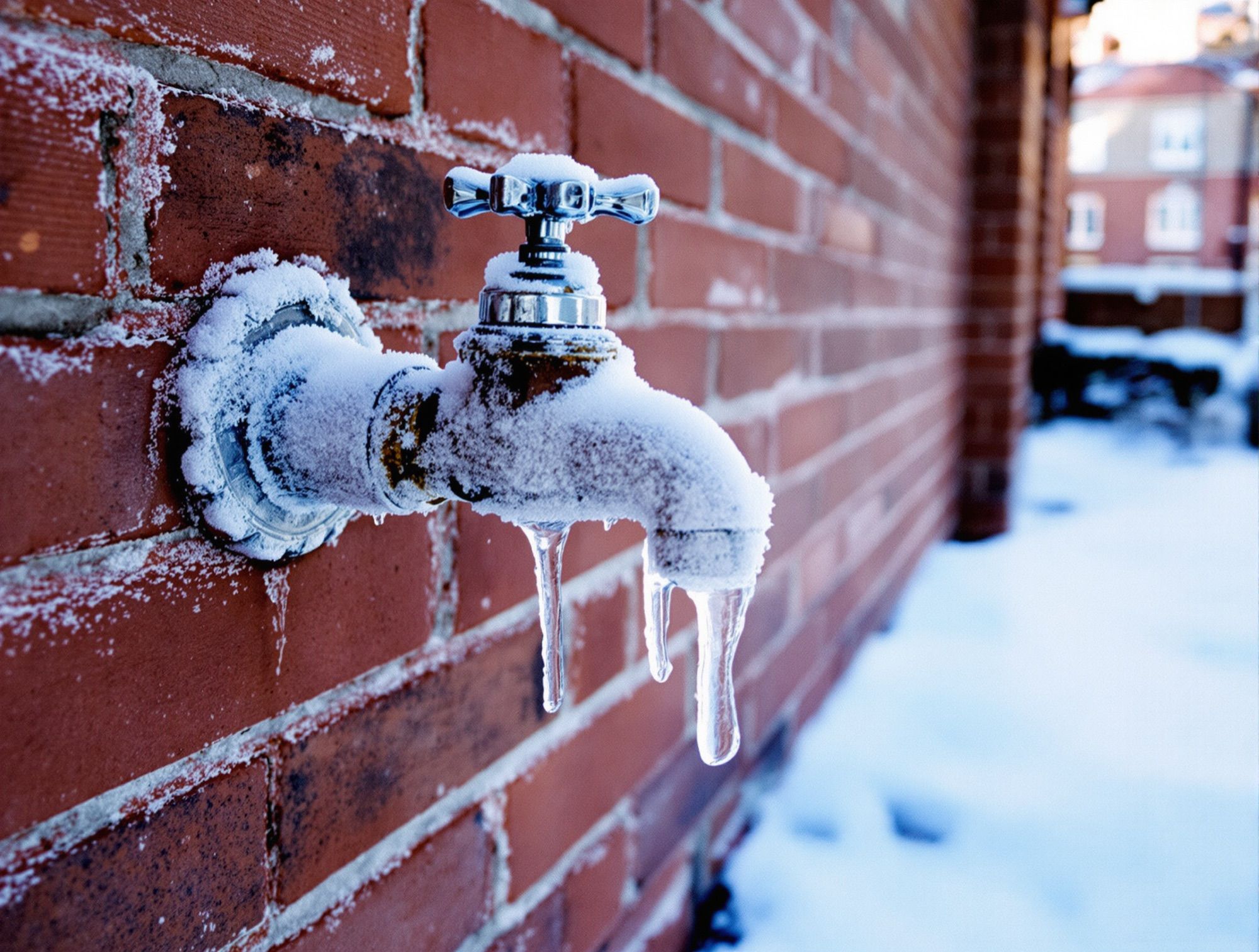
Winter plumbing SEO is mostly done in October. By the time the first cold night sends half your town to Google looking for someone to deal with a split pipe, the pages, hours, photos and reviews that decide who gets the call are already in place or they aren't. This checklist covers what to set up now, in roughly the order it needs doing, so the busy season finds you ready instead of scrambling.
Why fall, not December
Search changes take time to show up. A new page has to be found, indexed and tested against the shops already ranking. Reviews come in one job at a time. A profile edit made the night of a freeze might not show for days, and by then the rush has passed.
SEO results usually build over months, and how fast depends on how many shops you're up against. Treat October as the deadline and November as the cleanup window.
The checklist at a glance
| When | Task | Where |
|---|---|---|
| Early October | Set regular and holiday hours | Google Business Profile, website |
| Early October | Check your winter service pages | Website |
| Mid October | Add winter services and a profile update | Google Business Profile |
| Mid October | Upload fresh job photos | Google Business Profile, website |
| October to November | Steady review requests on every job | Text after each call |
| Late October | Check hours and details on other listings | Yelp, BBB, Angi, Nextdoor, Apple Maps, Bing |
| Early November | Test the after-hours path end to end | Phone, website, answering service |
Hours and holiday schedules
Start here, because wrong hours cost more calls in winter than anything else on this list.
Open your Google Business Profile and confirm your regular hours match what the office actually does. If you take after-hours calls, the hours should say so honestly. Then use the special hours feature to set Thanksgiving, Christmas Eve, Christmas Day, New Year's Eve and New Year's Day now, before anyone forgets. A homeowner who sees "Closed" on Thanksgiving morning with a backed-up kitchen sink will call the next shop, even if you had a tech on call.
Do the same on your website. The hours in the header, the footer and the contact page should match the profile line for line. Add a short note near the top of the home page in late November about holiday coverage, and take it down in January.
Winter service pages
You don't need a dozen new pages. You need the few that winter searches land on, and you need them to be real:
- Frozen and burst pipes: what you do on the call, how fast you can usually get there, what the homeowner can do while they wait (shut off the main, for example).
- Outdoor faucets and hose bibbs: replacement of split spigots, frost-free upgrades.
- Water heaters: winter is when tired tanks give out, and replacements are some of the biggest tickets of the season.
- No-heat calls, if you also work on boilers or furnaces.
Each page should say which towns you cover, whether you answer at night, and show a photo of your own work. If one of these pages already exists, read it on your phone and update anything stale, like old prices or a tech who left two years ago. Keep any advice about preventing freezes general, and point people to local code and a licensed plumber for anything beyond shutting a valve.
Profile services and a winter update
Back in your Google Business Profile, look at the services list. Add the winter jobs you want calls for, with a sentence or two each: frozen pipe repair, burst pipe repair, water heater replacement, outdoor faucet repair. These help Google connect your profile to those searches and help the homeowner skim what you do.
Then post an update on the profile. Something short and specific works: "Freeze season is coming. We're taking calls for frozen and burst pipes, nights and weekends, across [your towns]." Add a photo. Post another one in December. Updates don't carry huge weight on their own, but a profile that looks tended reads better than one that went quiet in spring.
Fresh photos
Your profile photos probably show summer. Swap in some from this fall:
- A water heater install in a real basement or garage.
- A tech replacing a cracked outdoor spigot.
- Your trucks, ideally in front of something your town would recognize.
- Your crew, in winter gear if the weather's turned.
Take them on the phone, at the job, with the customer's okay when the photo shows their home. Upload a few to the profile and use the clearest ones on your winter pages. Real photos from this season tell a homeowner you're active right now.
A steady review push
Reviews posted in the six weeks before winter are the ones people read when the cold hits. Make sure every tech is asking at the end of every job and the follow-up text with your review link goes out the same day.
Stick to Google's rules while you push: ask every customer the same way, offer nothing in return, and don't screen out the unhappy ones. Reply to every review that comes in, ideally within a day or two. A December homeowner scrolling your profile should see October and November reviews with your replies under them.
A citation check before the rush
Your hours and details live in more places than your profile and your site. Before winter, check the listings that still send plumbing calls or that Google reads to confirm your details: Yelp, BBB, Angi, Nextdoor, Apple Maps and Bing.
On each one, look for three things: the business name exactly as it appears on your profile, the same phone number, and current hours. Fix anything wrong. If you find a second listing for your company on the same site, claim it and ask the site to merge or remove the duplicate. An old listing with a disconnected number from three years ago is a winter call going nowhere.
Test the after-hours path
The last check isn't SEO, but it decides whether all the rest pays off. One evening in early November, act like a customer:
- Search "emergency plumber" on your phone from home and find your listing.
- Tap through to your site and tap the call button.
- See who answers and how long it takes.
- Fill out the contact form and see where it lands and when someone sees it.
If the answering service doesn't know your service area, or the form goes to an inbox nobody checks after 5, fix it now. Ranking well for "frozen pipe repair" at 2 a.m. only helps if somebody picks up.
All of this sits on top of the year-round basics: a complete profile, a site that matches it, and steady reviews and citations. Our local SEO for plumbing companies covers that groundwork month after month.
Print the table above, tape it next to the dispatch board, and cross off one row a week. By the first hard freeze, you'll be done.