What Homeowners Check on a Plumbing Website Before They Call
A homeowner with water on the floor gives your plumbing website a few seconds. They look for five things: towns, hours, license, reviews and a call button.
By the Plumber SEO Company team / / 6 min read
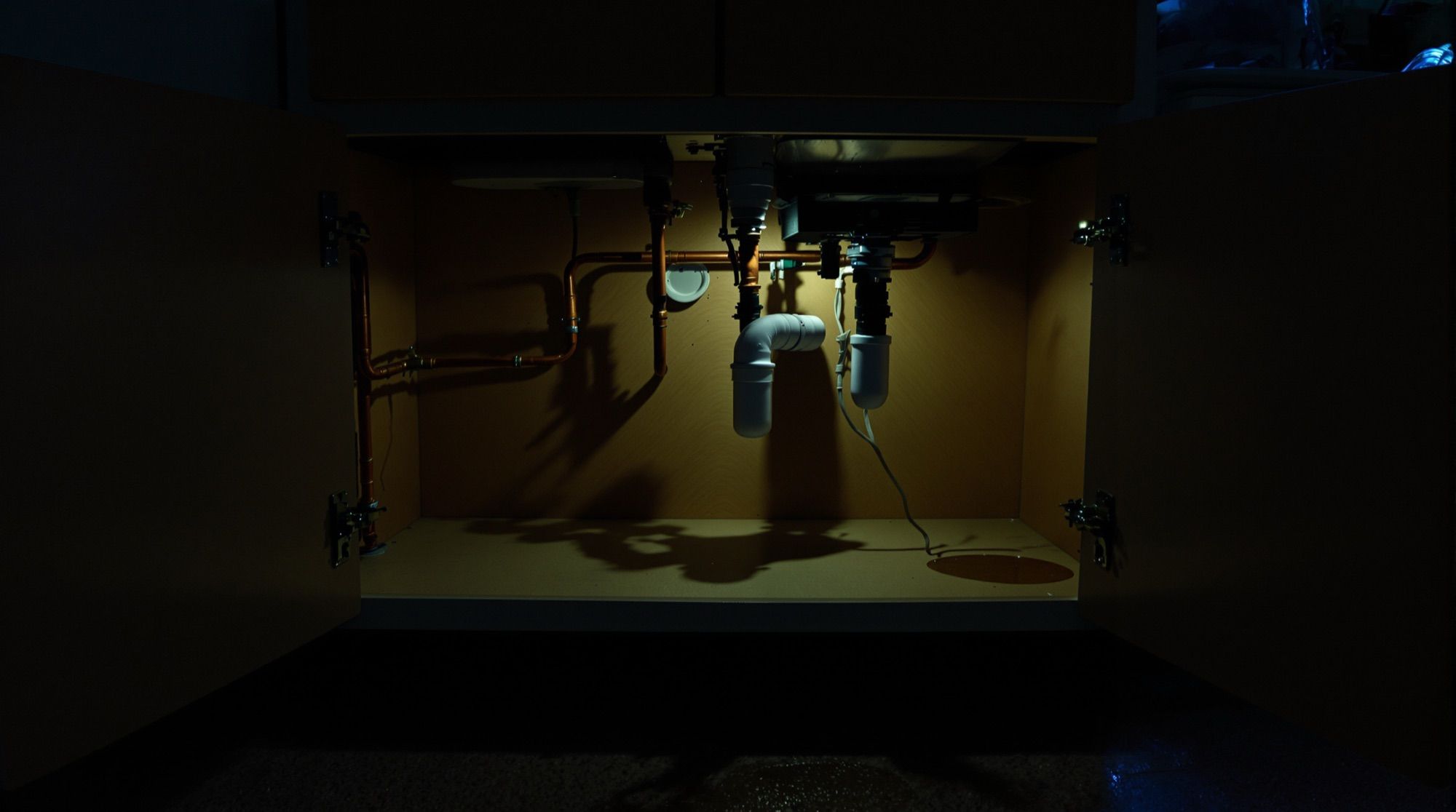
A homeowner who lands on your plumbing website from a phone, with a towel wrapped around a leaking supply line, is not reading. They are checking five things, roughly in this order: do you work in my town, are you open right now, are you licensed, do other people trust you, and how do I reach you this second. If the top of the page answers all five, you get the call. If they have to hunt for one, they hit the back button and tap the next listing.
The five-second scan, in the order it happens
Watch someone use a phone in a hurry and the pattern is plain. The thumb scrolls once. The eyes jump to anything that looks like a town name, a clock, a star rating or a button. Nobody reads your About page at 11 p.m. with a water heater dumping into the basement.
Here is what each glance is looking for, and where plumbing sites usually fall short.
| What they check | What they want to see | Common miss |
|---|---|---|
| Service area | Their town named | "Serving the greater area" |
| Hours | Open now, or after-hours available | Hours buried in the footer |
| License | A license number | A badge with no number |
| Reviews | A rating and recent reviews | Old quotes with no dates |
| Contact | One big tap-to-call button | A form as the only option |
Service area: name the towns, not the radius
"Proudly serving the tri-county area" tells a homeowner nothing. They don't think in counties. They think "do these guys come out to my street or not."
Put a short line near the top that names your main towns. Five to eight names is plenty for the header area; the full list can sit lower on the page or on its own service area page. If you charge a trip fee past a certain line, say so plainly. People respect a clear boundary more than a surprise on the invoice.
The towns on your site should also match the service area on your Google Business Profile. When a homeowner taps through from the Map Pack and sees the same towns they just saw on the map, it confirms they picked the right shop.
Hours: answer "are you open right now"
This is the check that loses the most calls. A homeowner at 9:40 p.m. needs to know whether someone will pick up. If you run after-hours service, say it near the top in plain words: "Nights and weekends: yes, after-hours rates apply." If you don't, say when the office opens tomorrow so they can decide whether to shut the valve and wait or call someone else.
You don't have to publish the after-hours rate itself. Saying that one applies sets an honest expectation and screens out the caller who will argue about it at the door.
Don't claim 24/7 if the phone goes to voicemail after 8. The homeowner finds out on the first try, and they tend to mention it in a review.
License: show the number
Homeowners expect a plumber to be licensed, even if they couldn't tell you the rules where they live. A license number in the header or next to the call button does more than a paragraph about "fully licensed and insured professionals." It's specific. It can be checked. That's why it works.
If you hold licenses in more than one state or city, list them. If your techs carry their own licenses, say so in the team section. Check with your licensing board on how license numbers should appear in ads and on your site; don't guess.
Reviews: recent, real and near the top
The homeowner is about to let a stranger into the house. Your Google rating, shown near the top with the number of reviews, settles that faster than anything you write about yourself.
What helps:
- The star rating and review count from your Google Business Profile.
- Three or four short reviews that mention specific jobs: a water heater swap, a main line clog, a slab leak found behind a wall.
- Dates on the reviews, so people can see they are recent.
What hurts is a wall of testimonials with first names only, no dates, and every quote written in the same voice. Homeowners have seen enough polished review sections to be wary of one that looks too clean.
The call button: big, fixed and obvious
On a phone, the call button should be the easiest thing on the screen to hit. Shops that get a lot of emergency traffic often use a tap-to-call bar that stays fixed at the bottom of the screen as the visitor scrolls. The number also shows in the header as plain text, for the person who wants to write it down.
Keep the form, but treat it as the second option. The person with water on the floor wants a human. The person planning a water heater upgrade next month may prefer the form, and that's fine. Offer both and make the button bigger.
If you take texts, say so. A homeowner at work or in a loud house may rather send a photo of the drip than talk.
What they check second, once you pass
Once a homeowner decides you might be the right shop, some will look a little deeper before they call. This is where the bigger tickets are won, because the person pricing a repipe or a sewer line replacement has time to read.
A service page that matches the job
If they searched "tankless water heater install," they want a page about that, not your home page. A page that names the job, explains what the visit looks like and shows a photo of your own work tells them you do this every week.
Photos of your trucks and your people
Stock photos of a smiling model holding a wrench fool nobody. Your own wrapped van in a driveway, a tech in a company shirt, a clean install in a real basement: those make a stranger feel like they know who is coming to the door.
One line about how you price
You don't need a price list. A sentence about how pricing works ("upfront price before work starts," "free estimates on replacements," "the dispatch fee covers the diagnosis") answers a question many homeowners feel awkward asking on the phone.
A five-second test for your own site
Pull your site up on your phone, not the office computer. Hand it to someone who has never seen it, a spouse or a new hire, and give them five seconds. Then take the phone back and ask:
- Which towns do we serve?
- Could you reach us tonight?
- Are we licensed?
- What's our rating?
- Where's the button to call?
Every question they can't answer is a call going to the shop below you in the Map Pack. Most of the fixes are small: a line of text in the header, a license number, moving the review section up the page. None of that needs a rebuild.
When the problems run deeper, like a site you can't edit yourself or pages that fall apart on a phone, a rebuild starts to make sense. Our website design for plumbing companies is built around these same five checks, with the call button and the service area doing most of the work.
Not sure where your own site stands? Send it through the free SEO checkup and you'll have a short written report within one business day.